
SSC MTS 2016 marks of Final result declared.
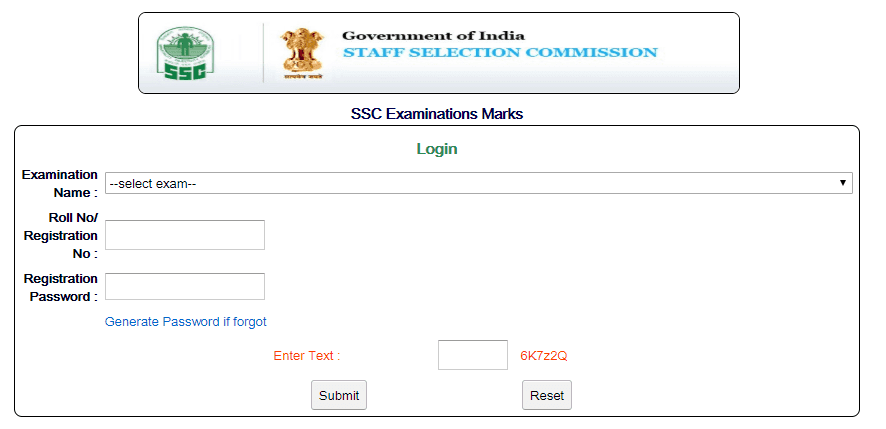
Staff Selection Commission(SSC) has declared marks of MTS 2016 exam held on 28 April 2018. Candidate can check their marks from the link given below.
Candidate have to login through the link given below.
How to Check SSC MTS 2016 Marks
-
Go to this link.
-
Click on Select Exam and Select “SSC MTS 2016 Exam”
-
Enter Your Registration Number.
-
Enter Your Registration Password, used during exam.
-
Now enter captcha text and then click on Submit
Click here to Check SSC MTS 2016 Marks
Check a current examination notice before applying
For the current IAS Hindu approach, see the current UPSC calendar guide. Keep the original date and scope of this archive in mind.
JOIN THE CONVERSATION
Comments
Have a question or something to add? Comments are moderated and appear here only after approval.
JavaScript is required to submit a comment. Published comments above remain available to read.
No approved comments yet. Be the first to join the conversation.